
A Spicetify custom app creates a new Spotify desktop page, unlike an extension that changes an existing control or a theme that changes styling. Official documentation describes Custom Apps as JavaScript applications that add standalone sidebar experiences.
Install the app files in the documented CustomApps location or choose an item from Marketplace, add its folder name with `spicetify config custom_apps <folder-name>`, and run `spicetify apply` while Spotify is closed. To remove it, subtract the folder name from the same setting, apply again, and then restart Spotify.
What are Spicetify custom apps?
Custom Apps add a separate page to Spotify's desktop navigation instead of only changing an existing screen.
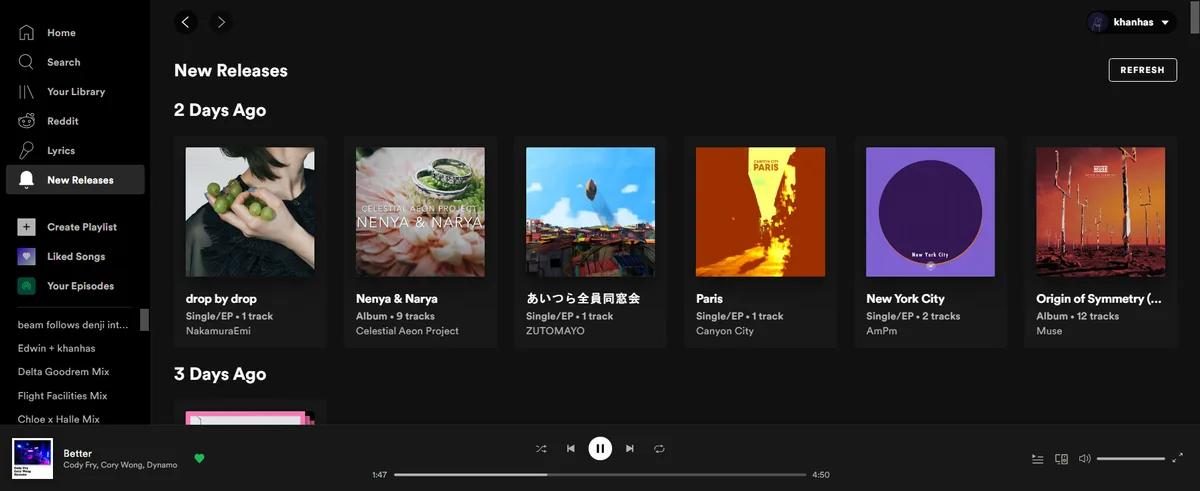
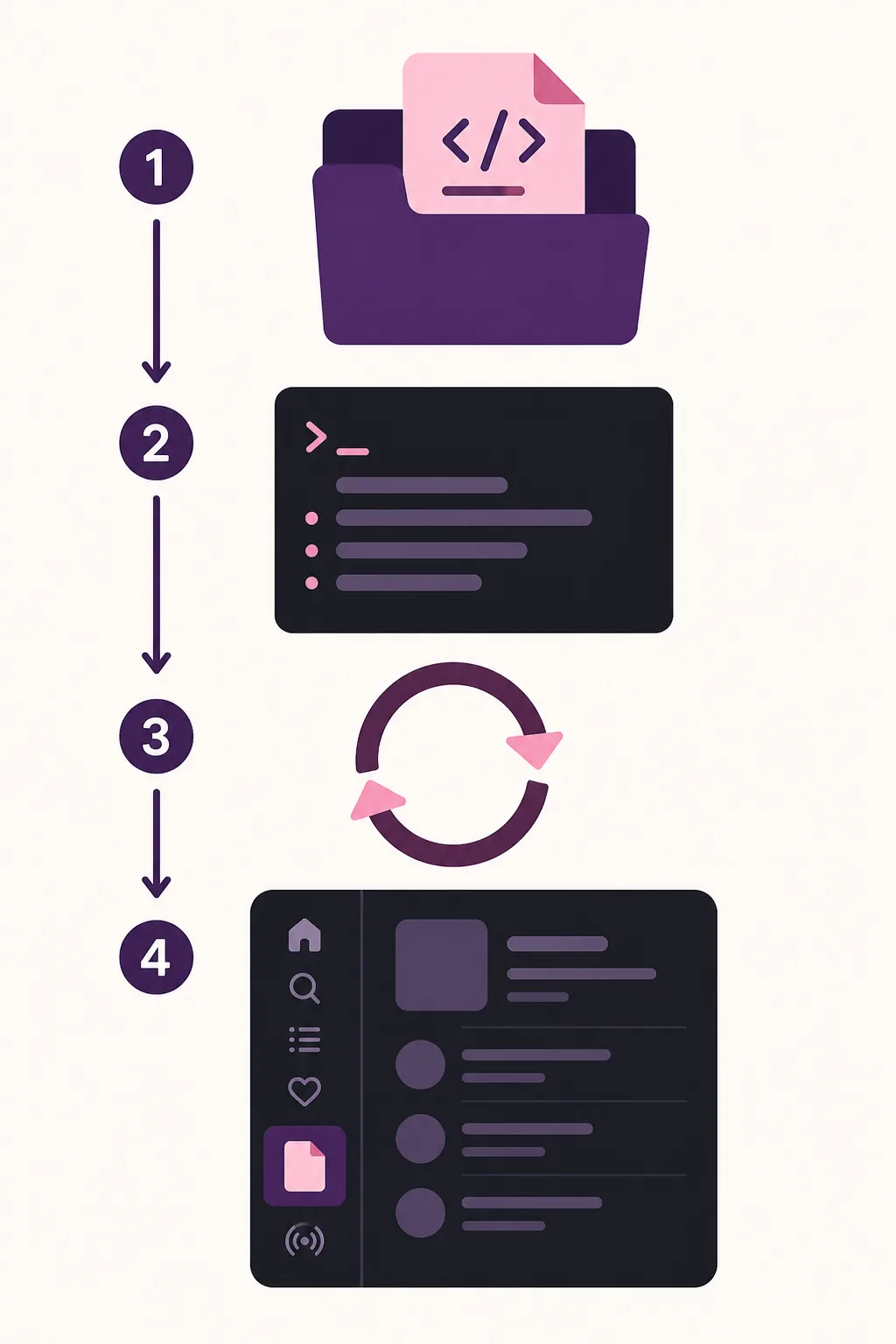
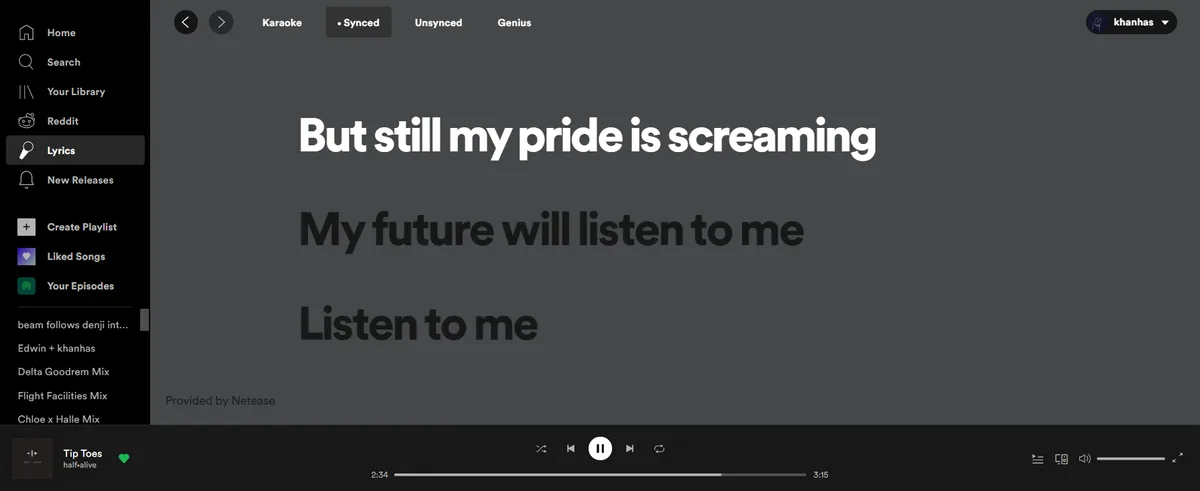
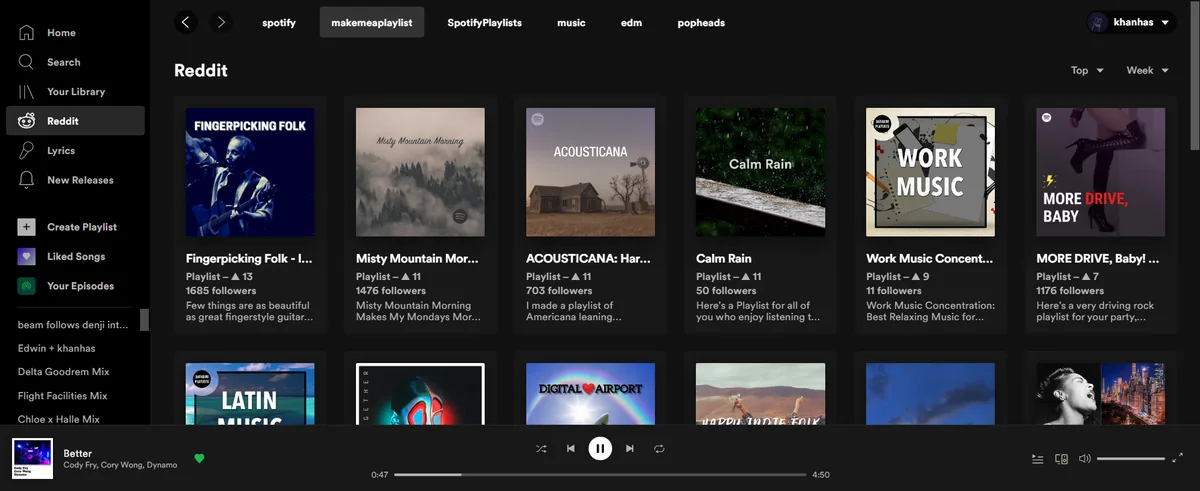
A custom app is a JavaScript application that runs inside the customized Spotify desktop client. The official examples include Lyrics Plus for synchronized lyrics, New Releases for followed artists and podcasts, and Reddit for music-related community feeds. Each app has its own folder and entry point, so its name must match the folder configured in Spicetify.
This is a different layer from the other common customization types. A theme changes colors and layout, an extension modifies existing Spotify behavior, a snippet applies a focused CSS change, and a custom app adds a larger standalone sidebar experience. Keeping those categories separate makes it easier to identify which item caused a problem after an update.
| Customization | What it changes | Typical use |
|---|---|---|
| Theme | Colors, layout, and visual styling | Change the overall look |
| Extension | Existing controls or Spotify behavior | Add shortcuts or filtering |
| Custom App | A new sidebar page | Lyrics, releases, or a focused tool |
| Snippet | A small CSS adjustment | Tweak one visual detail |
How to install a Spicetify custom app
Choose the official Marketplace route when the app is listed, or place a documented app folder in CustomApps before enabling it.
Confirm the base CLI works before adding an app. Open a new terminal, run `spicetify --version`, and close Spotify completely before applying configuration. Marketplace is optional; the CLI can enable a manually installed custom app without the catalog.
For a manual installation, use an app folder that contains the files named by the official documentation, including `index.js` and `manifest.json`. On Windows the documented location is `%appdata%\spicetify\CustomApps\`; on macOS and Linux it is `~/.config/spicetify/CustomApps/`. The folder name becomes the value used by the `custom_apps` setting.
- 1
Prepare the CLI and Spotify
Verify the active CLI, sign in to the Spotify desktop client once, and close Spotify before applying changes.
spicetify --version - 2
Install or copy the app folder
Open Marketplace from Spotify's sidebar, or place the documented folder containing index.js and manifest.json in the correct CustomApps directory.
- 3
Add the folder to the configuration
Replace the placeholder with the exact folder name; do not use a display title that differs from the directory.
spicetify config custom_apps <folder-name> - 4
Apply and restart Spotify
Apply with Spotify closed, reopen the desktop client, and check whether the new page appears in the sidebar.
spicetify apply
Marketplace is a catalog, not a guarantee that every community item is maintained or safe. Read the app source, maintainer, update history, and removal instructions before enabling it.
Configure and test built-in examples
Start with one app, verify it, and only then add another folder to the configuration.
The official documentation uses `lyrics-plus`, `new-releases`, and `reddit` as examples. The folder name is the important part of each command. If an app is already present in the CustomApps directory, add its exact name and apply the configuration with Spotify closed.
You can configure more than one app in the same setting, but a smaller set is easier to troubleshoot. Test the sidebar link, the app's main content, and a normal Spotify playback session after each change. If one app fails, remove only that app first instead of deleting every customization.
Run `spicetify apply` after changing the list. An app may expose its own settings in Spotify's profile menu, but the exact options depend on its maintainer; do not assume a setting from one app exists in another.
spicetify config custom_apps lyrics-plus new-releases reddit
| Example | What it provides | Useful first test |
|---|---|---|
| lyrics-plus | Lyrics from supported providers | Open a song with available lyrics |
| new-releases | Recent releases from followed creators | Change the release filter |
| Music-related subreddit feeds | Load and switch a configured feed |
How to remove custom apps from Spicetify
Remove the newest or failing app from the configuration first, then decide whether its local folder should also be deleted.
The official removal pattern uses a minus prefix before the folder name. This removes the app from the active `custom_apps` list without confusing the action with uninstalling the Spicetify CLI. Apply the change with Spotify closed and restart Spotify to confirm that the sidebar entry is gone.
Removing a name from the configuration does not necessarily delete the app files. Keep the folder if you may re-enable the app later; delete it only after confirming that you no longer need its local settings and after preserving any configuration you want to restore.
- 1
Remove the folder name
Replace the placeholder with the exact configured folder name.
spicetify config custom_apps -<folder-name> - 2
Apply the smaller configuration
Close Spotify, apply the setting, and open Spotify again.
spicetify apply - 3
Test the baseline
Check the sidebar, search, playback, and the remaining customizations before removing additional items.
A custom app is one optional configuration entry. Uninstalling Spicetify is a separate recovery task covered by the site's uninstall and backup guides.
Troubleshoot a custom app that is missing or blank
Check the smallest layer that can explain the symptom before reinstalling the whole CLI.
If the app does not appear in the sidebar, verify the CustomApps path, the exact folder name, and the presence of `manifest.json`. Run `spicetify config custom_apps` to inspect the active setting, then apply again with Spotify closed. A normal restart is part of the documented troubleshooting sequence.
If the page appears but stays blank, preserve the complete error, check the app's `index.js`, and use Spotify's developer console only when the official app documentation asks for it. Syntax errors, an outdated app, or a Spotify interface change can affect one custom app without proving that the base CLI is broken.
After a Spotify update, first follow the site's update and backup-apply guidance. Reapply a clean backup or update the CLI only when the official compatibility information calls for it. Add Custom Apps back one at a time after the stock Spotify client and the base Spicetify workflow work normally.
- Confirm the app folder is under the documented CustomApps directory.
- Check that index.js and manifest.json exist and use the expected names.
- Inspect the active custom_apps value before adding another package manager or installer.
- Remove the newest app first and test the remaining configuration.
- Keep the full terminal or console error for the app maintainer.
Safe Custom Apps checklist
A reliable Custom Apps setup is small, source-traceable, and reversible. Confirm the base CLI and Spotify desktop client first, keep the official app folder name unchanged, apply one change at a time, and record which app was active when a problem began.
Marketplace can simplify discovery, but it does not make every third-party app an official Spicetify feature. Prefer visible source code, recent maintenance, clear documentation, and a known removal path. Never enter a Spotify password into a separate app form or run an unrelated administrator command just to install a sidebar page.
- Use the official Custom Apps documentation and an identifiable app source.
- Verify spicetify --version before changing the custom_apps setting.
- Close Spotify before spicetify apply and restart it after the change.
- Keep only the apps you can test and remove confidently.
- Link to the update and backup guides when a Spotify update changes the result.
Spicetify Custom Apps: Frequently Asked Questions
What is a Spicetify custom app?
It is a JavaScript application that adds a standalone page to the Spotify desktop sidebar. It is different from an extension, which modifies existing behavior, and a theme, which changes styling.
Do I need Marketplace to install a custom app?
No. Marketplace is optional. You can place a documented app folder in the official CustomApps directory, add its folder name with spicetify config custom_apps, and run spicetify apply.
How do I remove custom apps from Spicetify?
Remove the app folder name from the custom_apps setting with a minus prefix, such as spicetify config custom_apps -lyrics-plus, then run spicetify apply with Spotify closed and restart the client.
Which built-in Custom Apps does the official documentation show?
The official examples used in this guide are Lyrics Plus, New Releases, and Reddit. Their exact features and settings can change, so check the app source and documentation before enabling them.
Why is my custom app not showing in Spotify's sidebar?
Check the CustomApps directory, exact folder name, manifest.json, the active custom_apps configuration, and a fresh spicetify apply with Spotify closed. Restart Spotify before moving on to a full reinstall.
Official sources used
- Official Custom Apps documentation — Defines Custom Apps, Marketplace and manual installation, configuration, removal, built-in examples, and troubleshooting.
- Spicetify CLI v2.44.0 release — Official release source checked on August 7, 2026 for freshness context.
- Spicetify Marketplace v1.0.9 release — Official Marketplace release page used for the related catalog and current release context.